Page: View Data
The View Data page in the XO-VAC+ User Interface software can be used to open and view previously saved run data files.
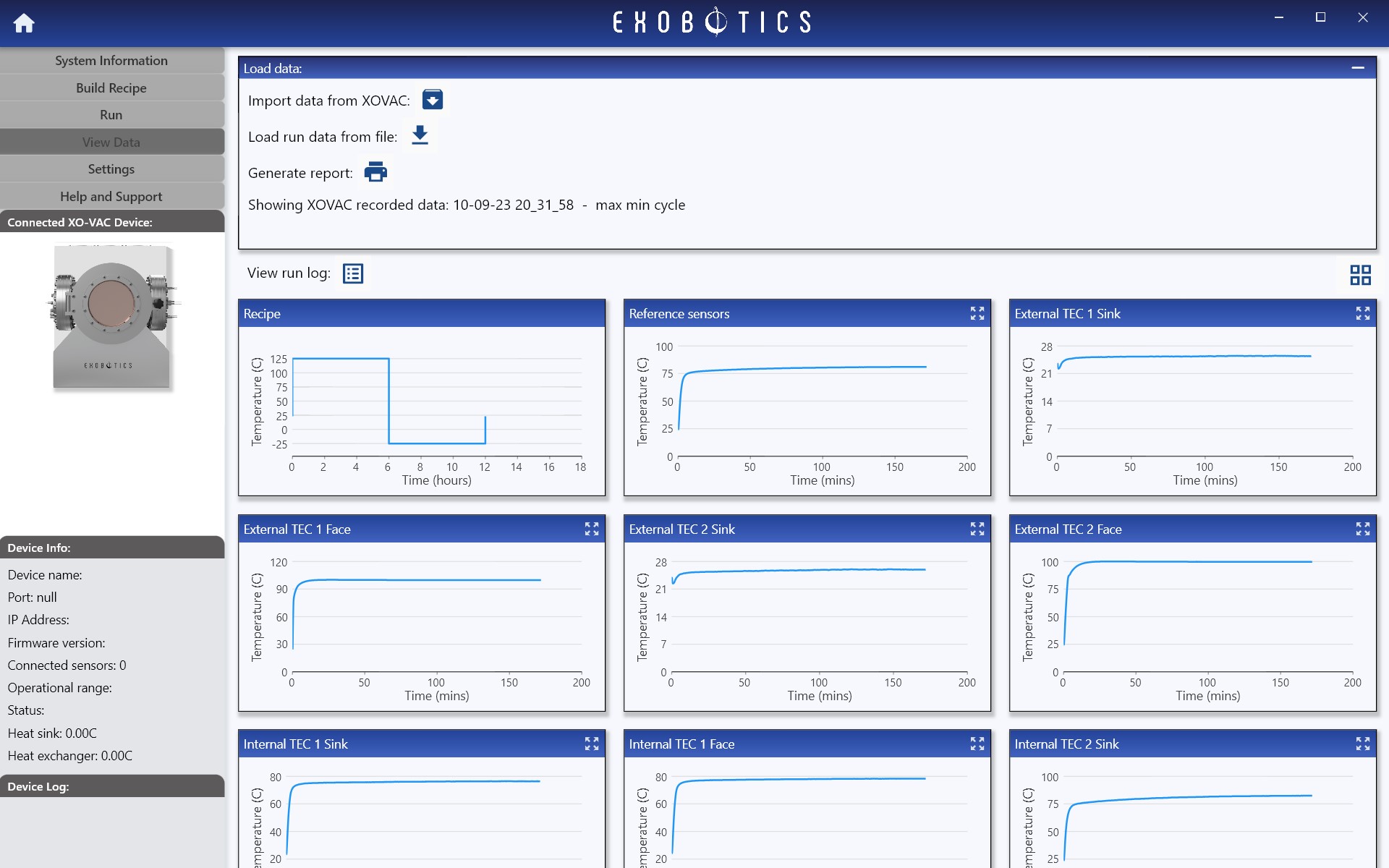
Load data
Run data may be imported from XO-VAC+ or from saved run files on your local PC. XO-VAC+ automatically stores several previous runs in its cache which may be retrieved using the Import data from XO-VAC function as shown in the screenshots below. Note that whenever a new run is started, XO-VAC+ will automatically delete the oldest run currently saved in its cache in order to make space for the new run data. Importing data from XO-VAC+ can take up to a few minutes for very large run files (see the Settings Page for more info).
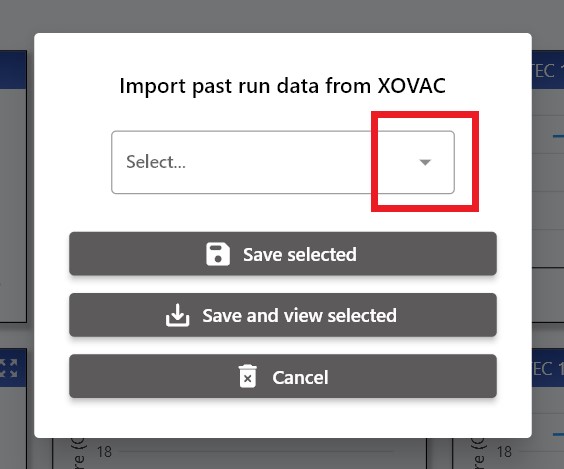
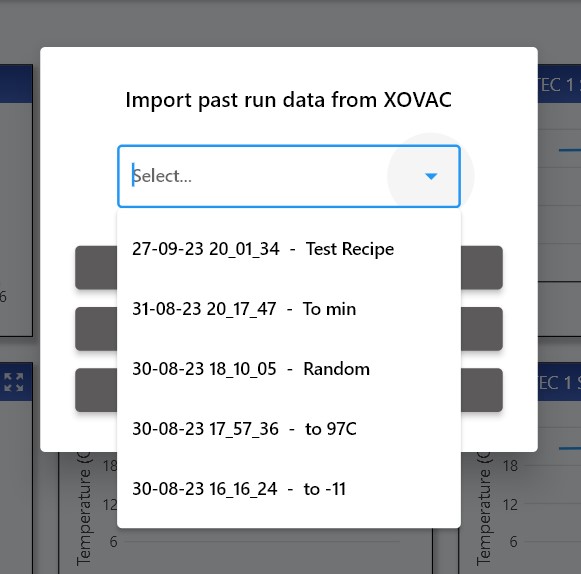
Data imported from the device may be saved to a local file and/or viewed. Use Load run data from file to open run data saved on your local device.
Click View run log to view the run log associated with the imported run data.
Generate report
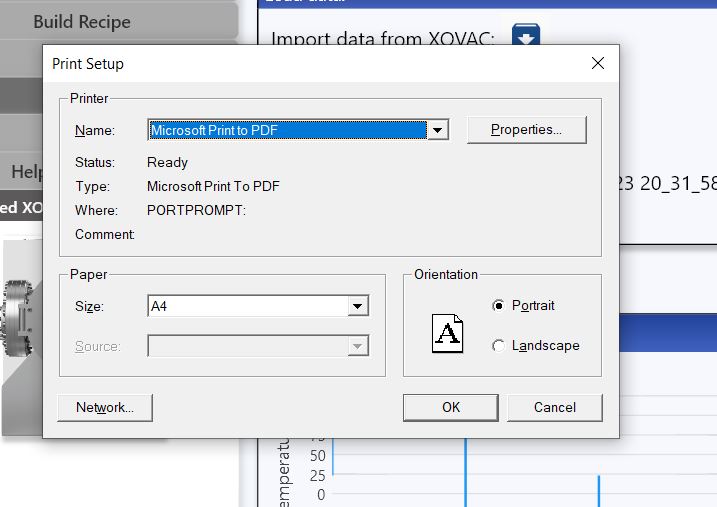
To generate a report of the displayed run data, click Generate report. This will compile a report which may be printed, or saved as a pdf by selecting a Print to PDF type option in the printer settings (as shown below).