How do I: View run results?
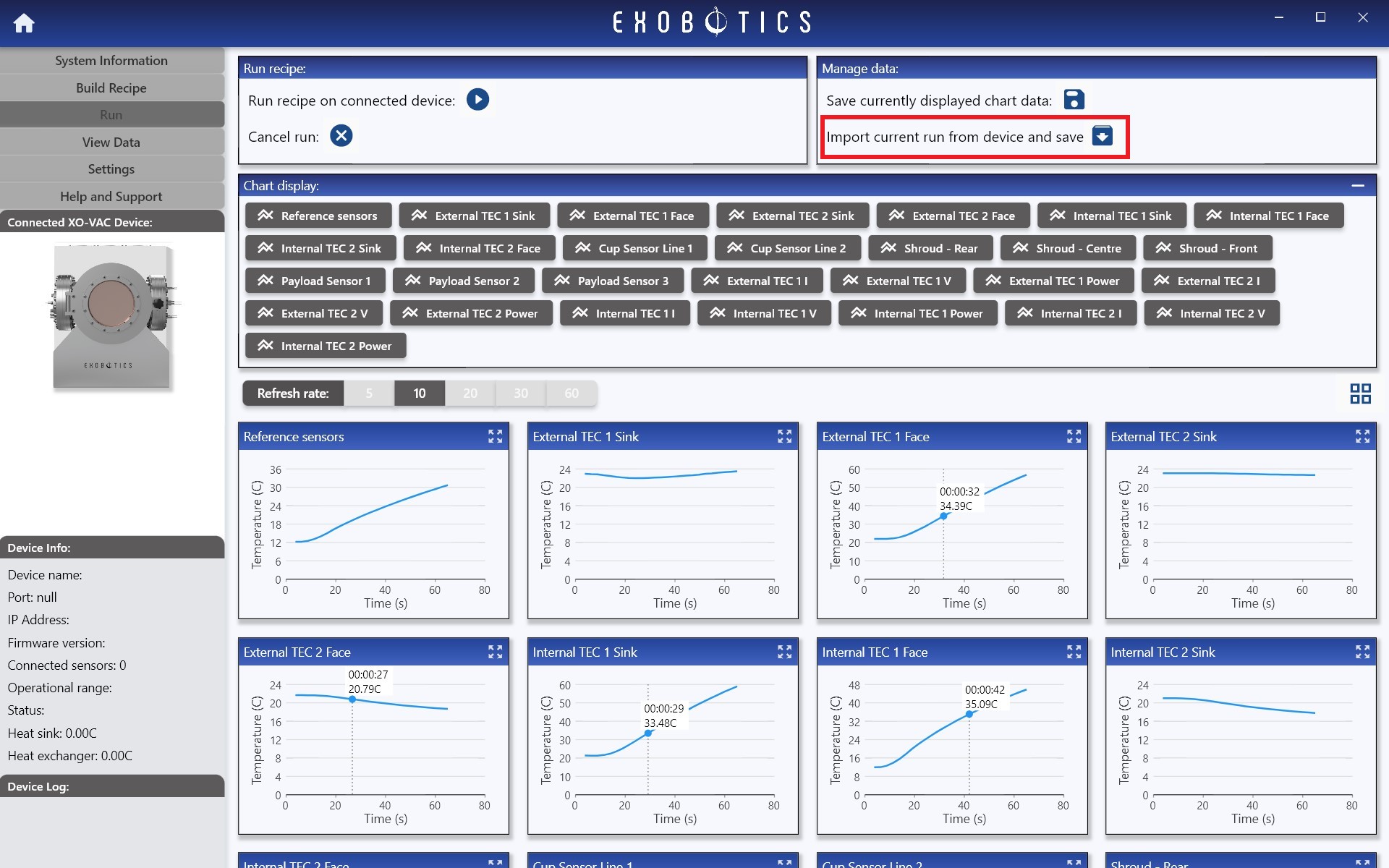
Immediately after running a recipe, if the XO-VAC+ device is still connected, results may be imported and saved from the Run page. Simply click Import current run from device and save: as shown below. The results may then be viewed using the View Data page.
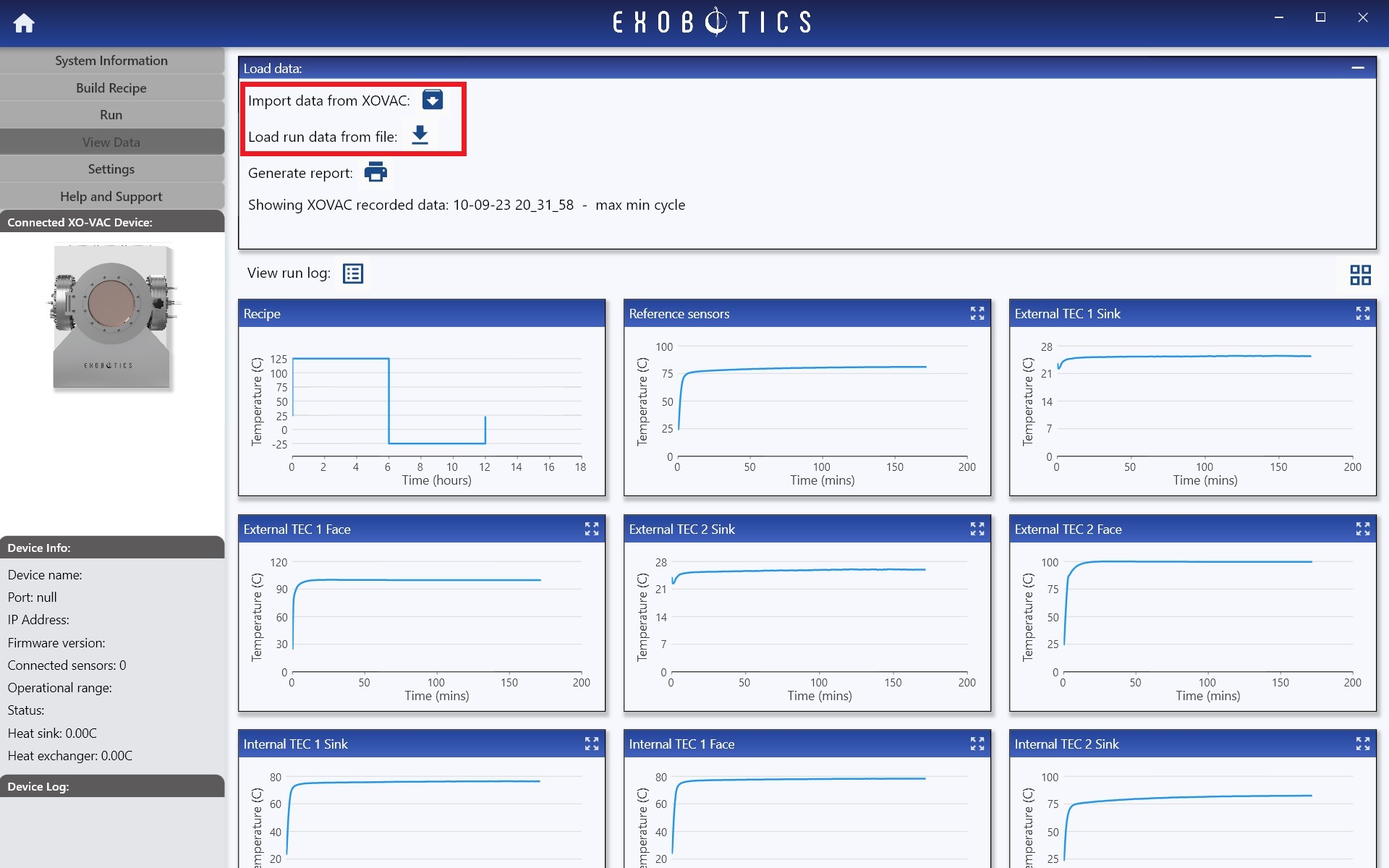
Locally saved results or runs stored on XO-VAC+ may be imported at any time from the View Data page. Simply click Import data from XO-VAC:, or Load run data from file:, as shown below: