How do I: View logs?
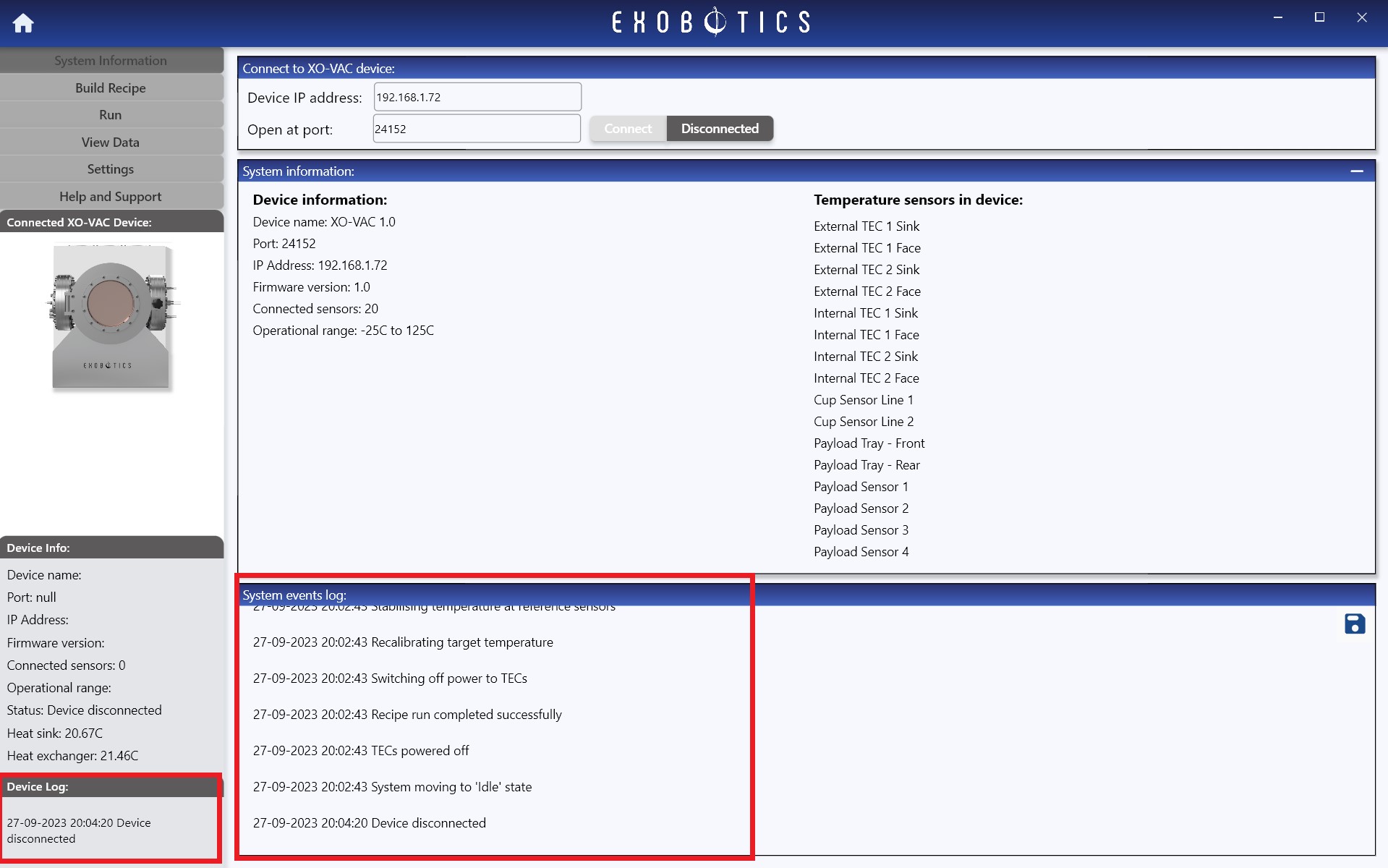
In the XO-VAC+ User Interface, the entire log files recorded since the XO-VAC+ was powered on is imported into the user software and displayed in the System Information page. All incoming log messages are also added to the record and displayed in the bottom panel of the left toolbar, as shown below.
Tip
When a run is saved, the entire run log is bundled with the run results, and may be viewed by importing the results in the View Data Page.