How do I: Modify settings?
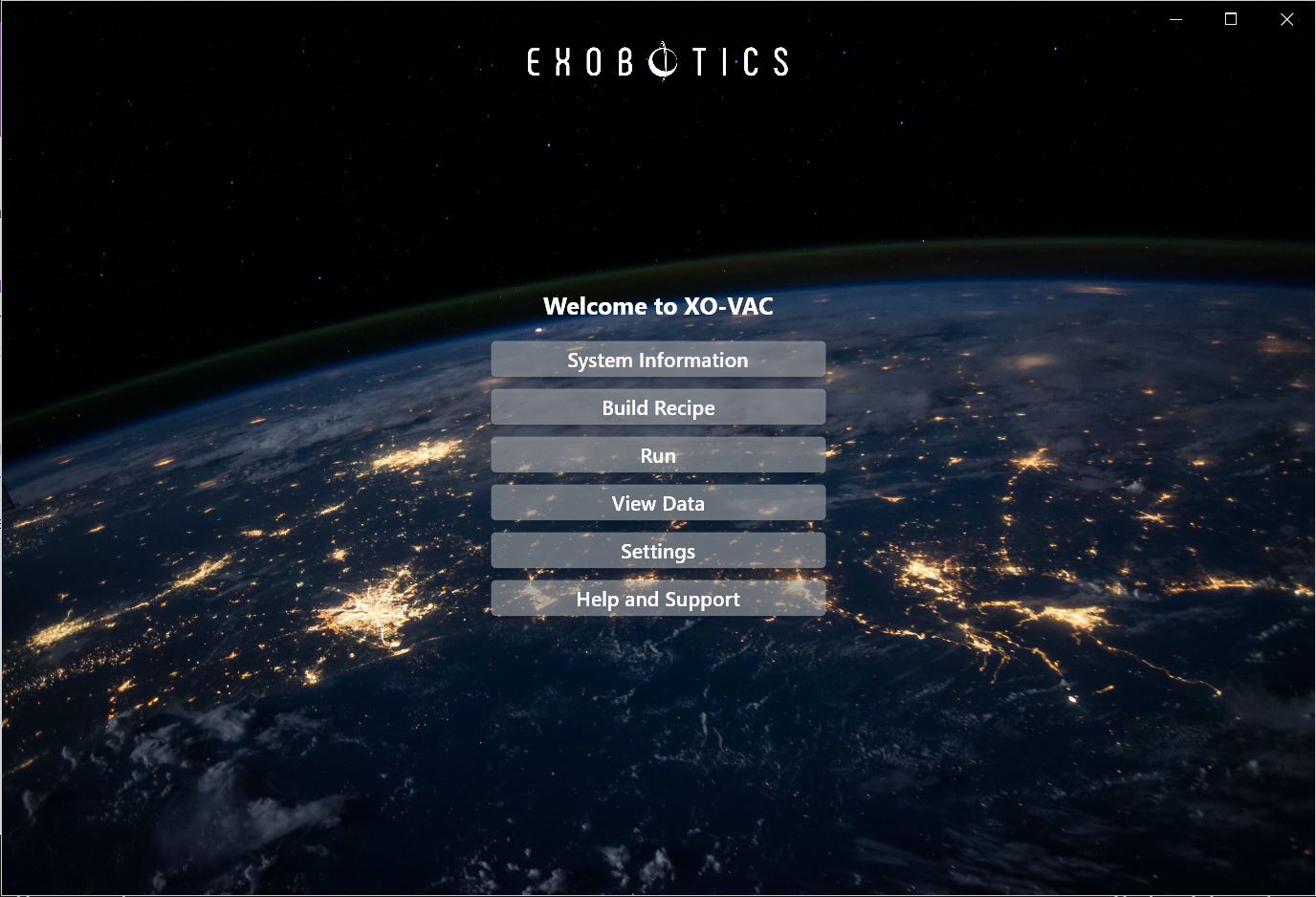
From the XO-VAC+ User Interface home page, click on Settings in the panel in the centre.
The available settings are now shown on the panel on the right.
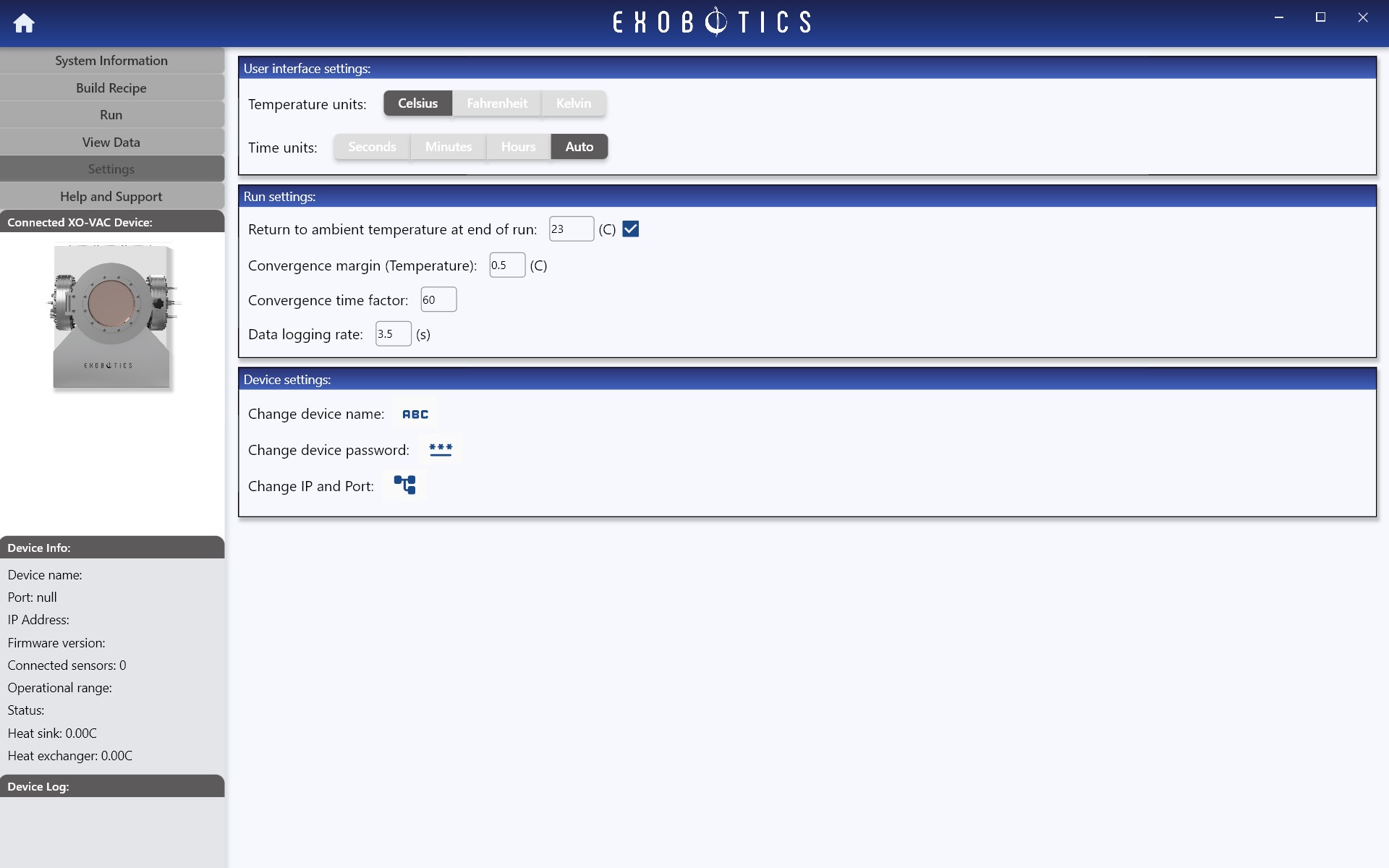
Descriptions of each setting can be found in the reference material here.