How do I: Install the XO-VAC+ User Interface software?
The recommended way to control and monitor thermal cycling on XO-VAC+ is using the XO-VAC+ User Interface software. The software is currently compatible with Windows 10 and 11; releases for other operating systems are planned. The below steps show how to install on Windows 11, but the steps will be similar for other operating systems.
TODO: add link to downloads page
-
Download the install file from the Exobotics website here.
-
Locate the installer file in the folder to which you downloaded it, and extract the
.zipfile inside.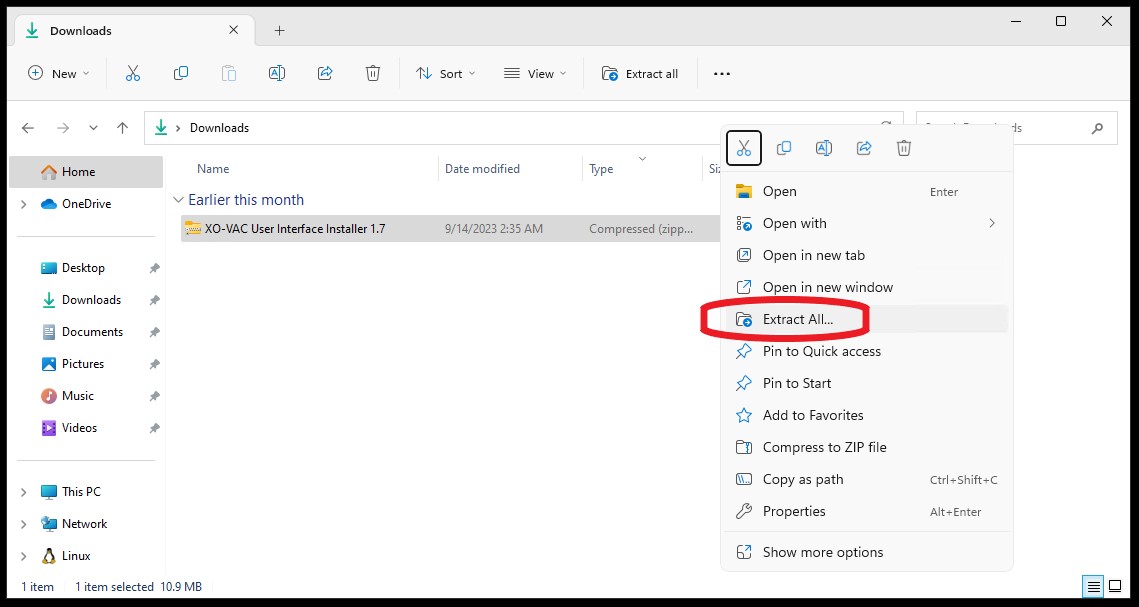
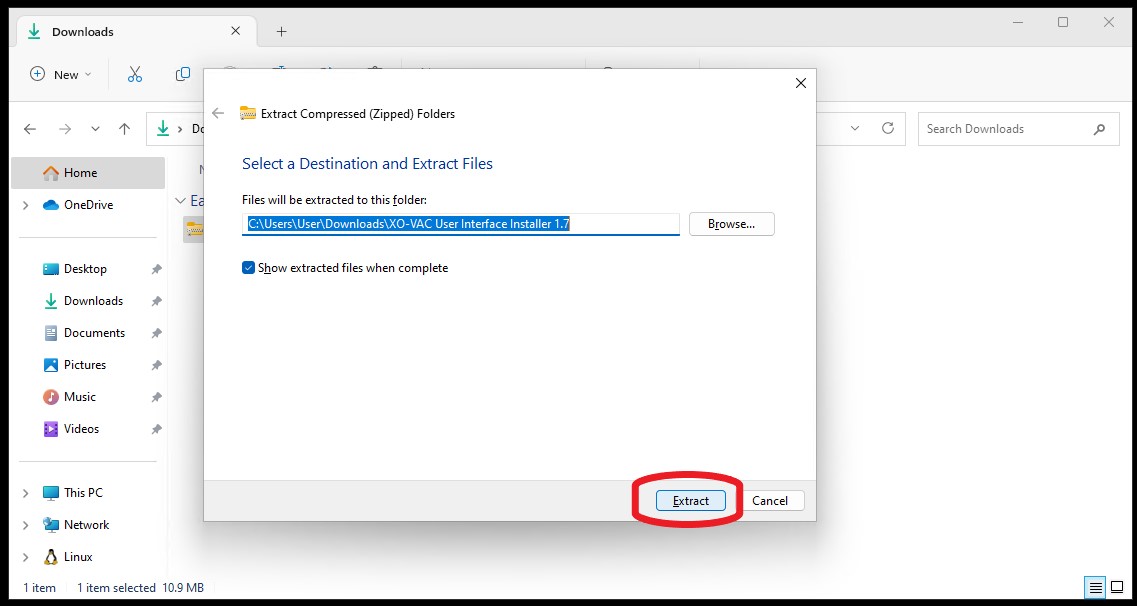
-
Open the extracted install file by double clicking on the file, or by right-clicking then selecting
open.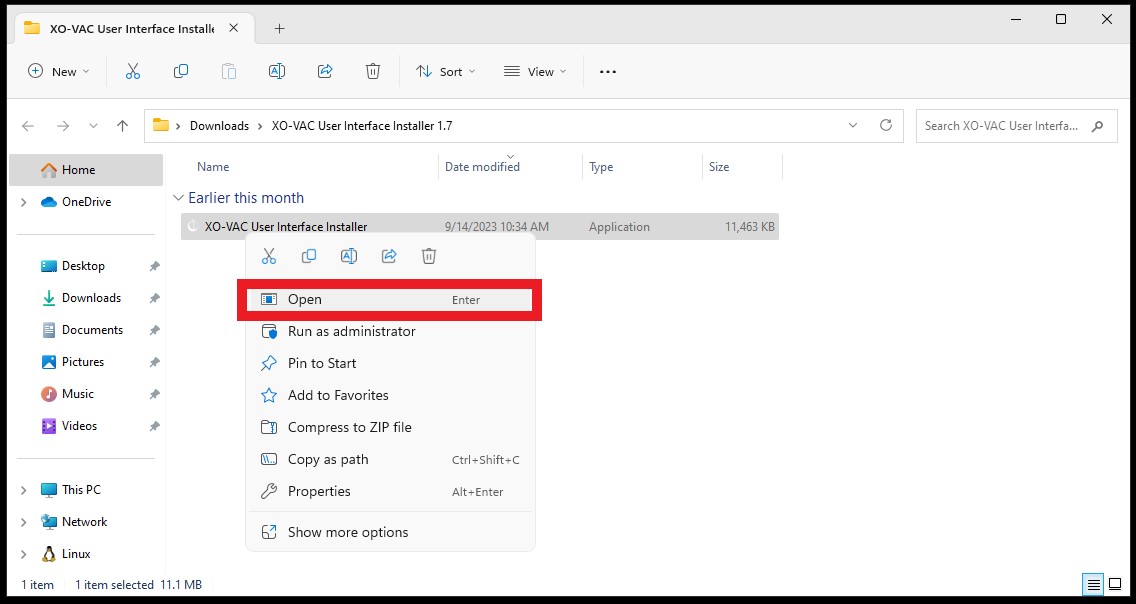
-
Accept changes by clicking
Yes.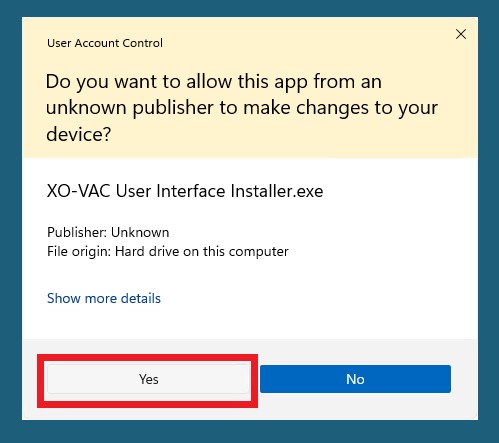
-
Begin installation by clicking
Next.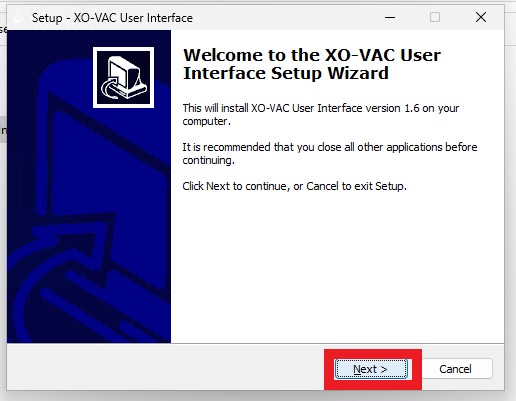
-
Select destination and then click
Next.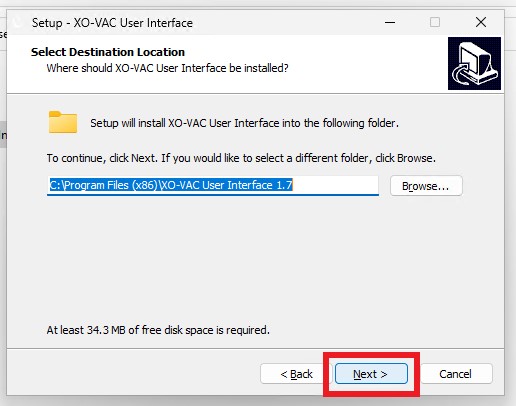
-
Add to the Start Menu by clicking
Next.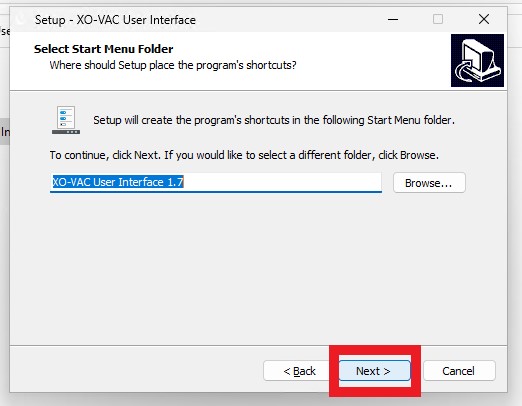
-
Add to the Desktop by clicking
Next.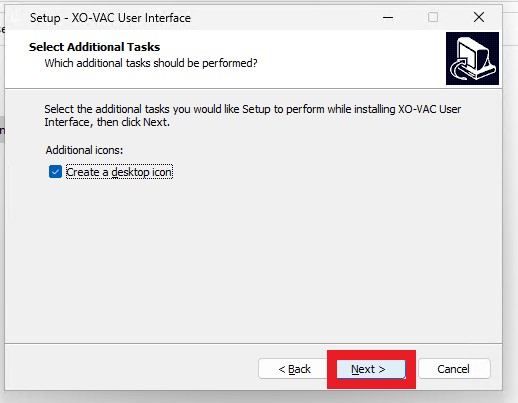
-
Complete installation by clicking
Nextand then Finish.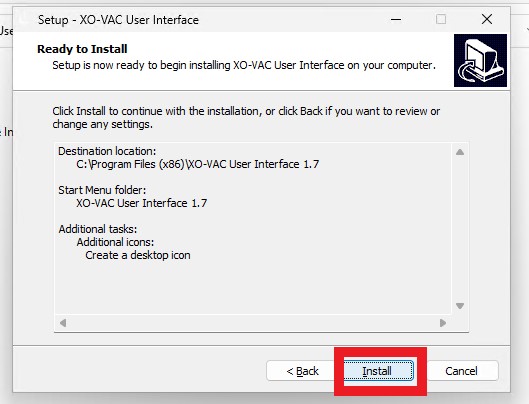
-
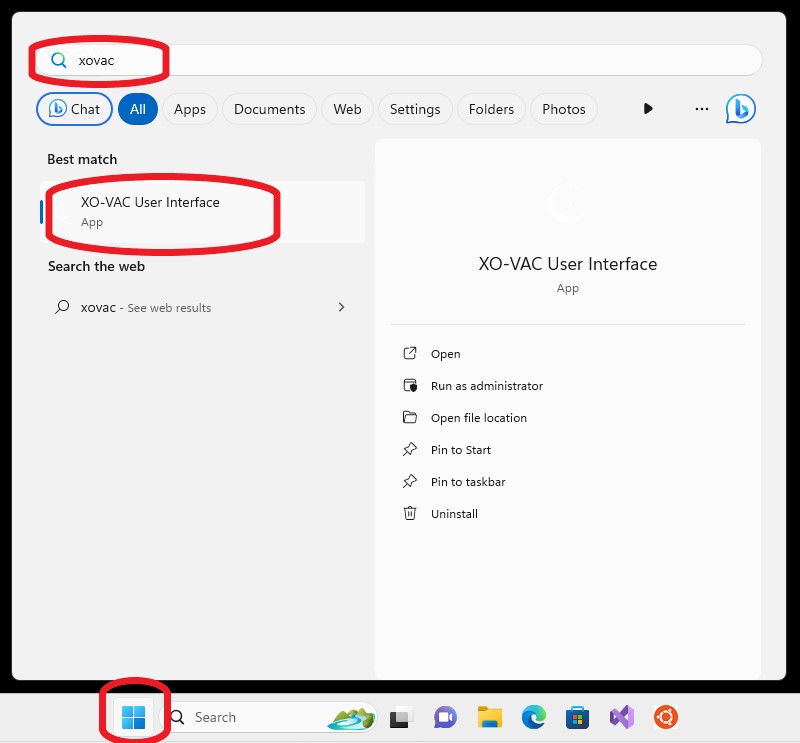
Open the software. This should be available in your windows start menu app list and as an icon on your desktop.
-
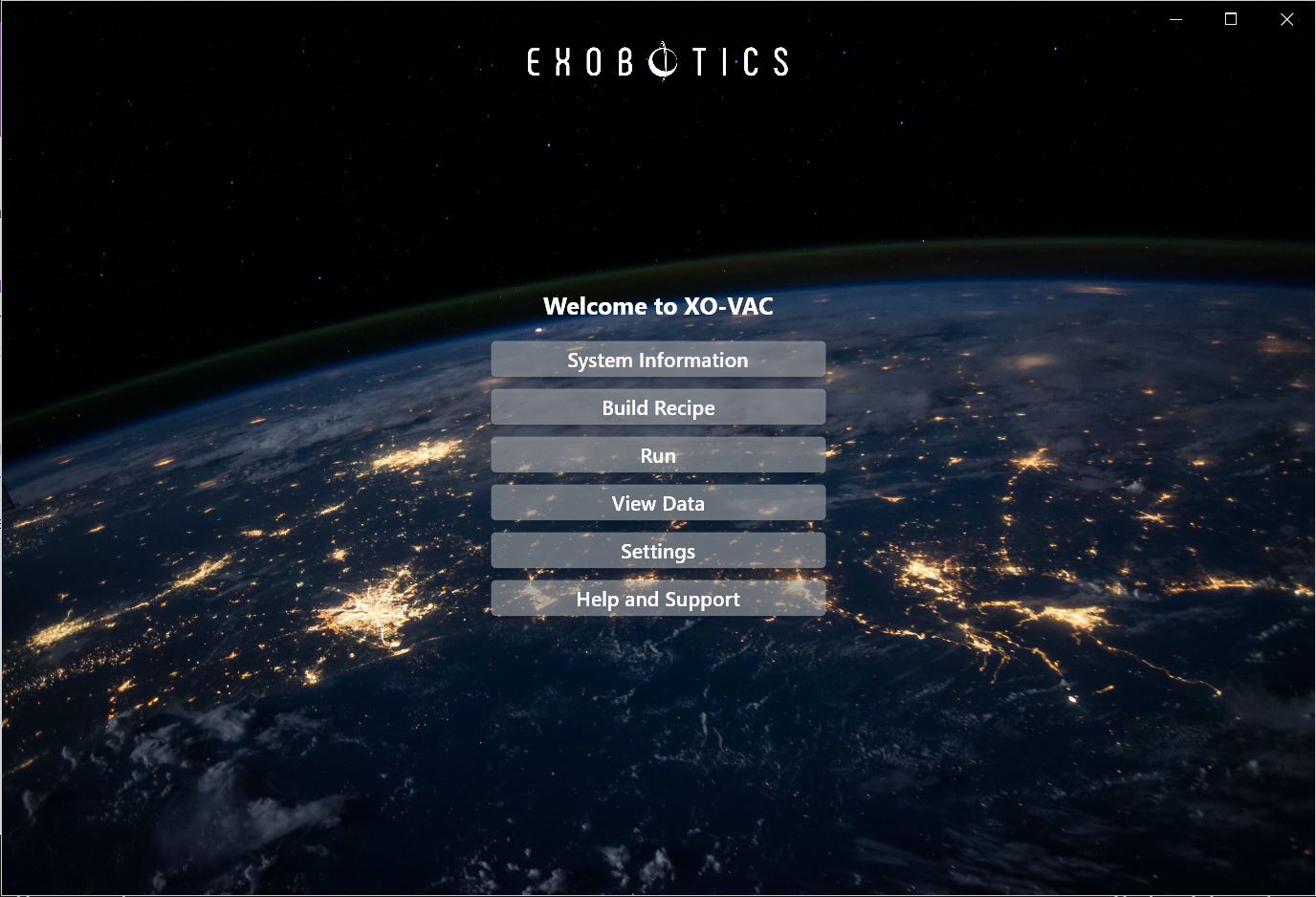
Check that you see a front page looking like this.