How do I: Import run results?
Note
Before beginning, install the XO-VAC+ User Interface.
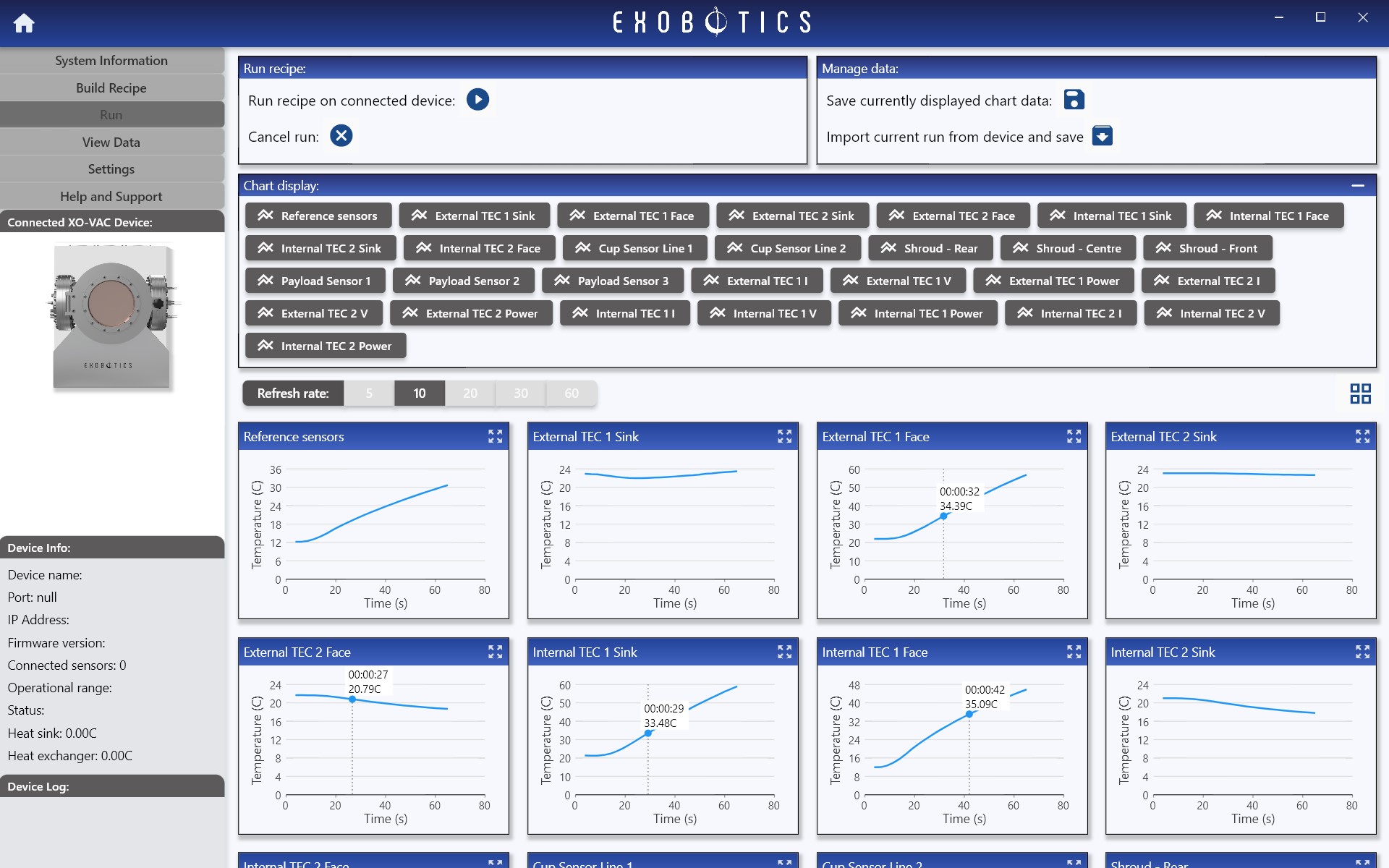
Run results may only be imported from the XO-VAC+ to the client PC once a run is complete and the XO-VAC+ is in Idle state. The results of the most recent run are available to be imported from the Run Page until the machine is restarted.
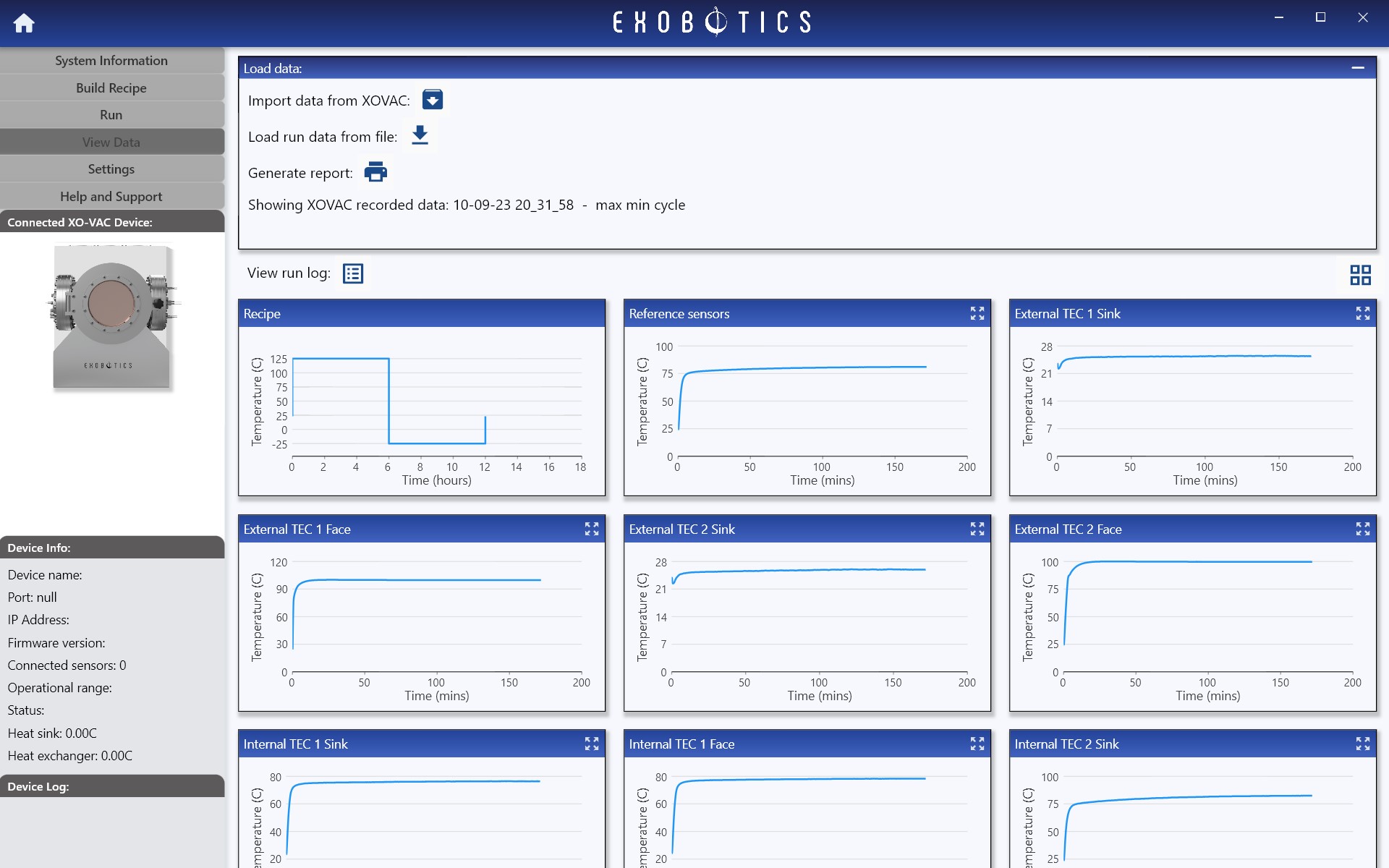
The most recent runs on the XO-VAC+ device are available to import from the device via the View Data Page.
Note
Run results can be imported on multiple client PCs. The run results are not deleted from the XO-VAC+ server after being imported.