Operating the XO-VAC+ Vacuum System
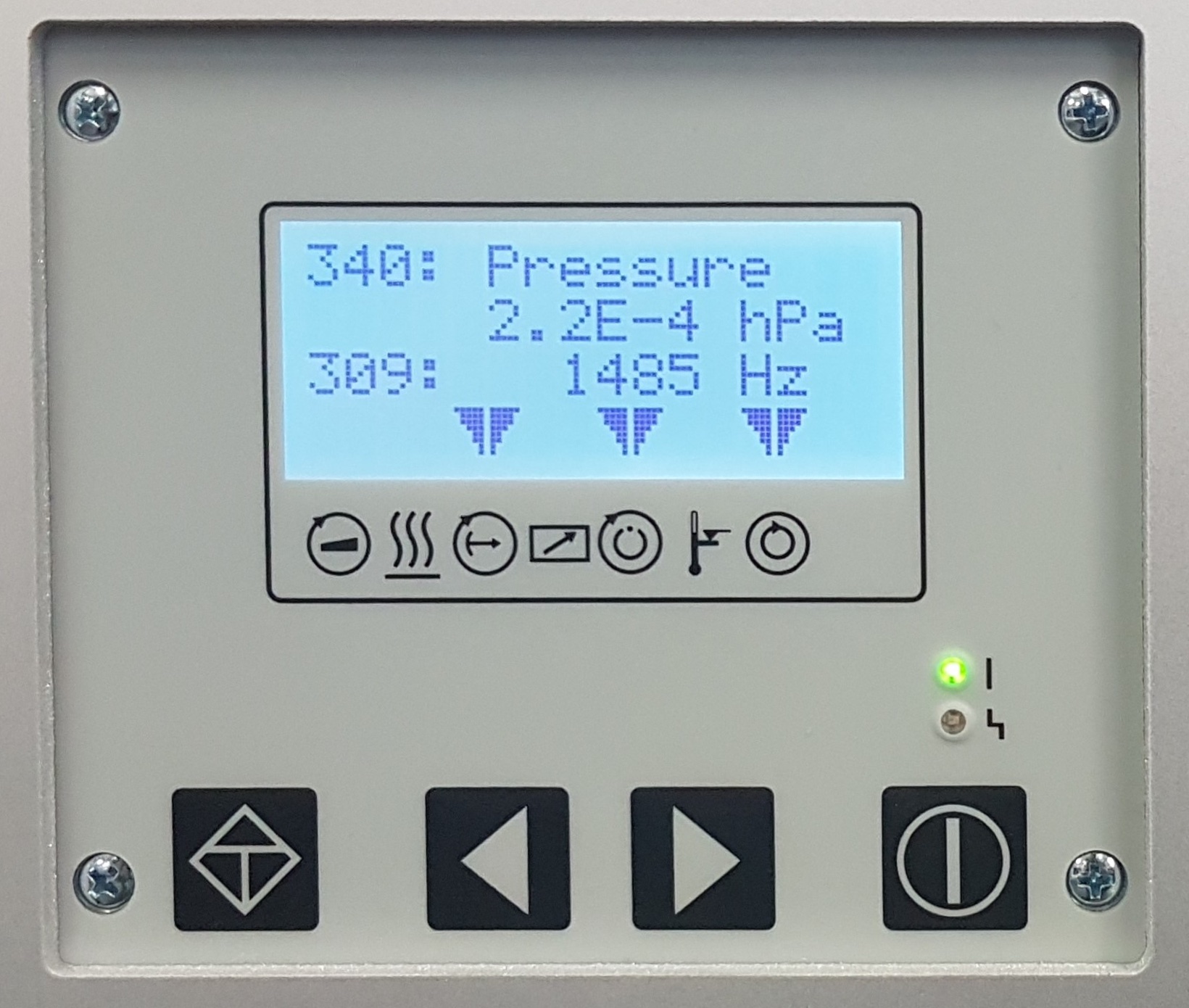
The Vacuum Control Panel
Danger - Fire & Electric Shock Hazards
Do not operate the XO-VAC+ Thermal System without the chamber being under vacuum!
Danger
Only vent the chamber if it is at temperatures 5 degrees above the water dew point and below 40C. You can determinee the current chamber temperatures by connecting to XO-VAC+.
Warning
Do not manually vent the vacuum chamber if the turbovacuum pump is still running at full speed. The turbopump will get damaged by any sudden vent to atmosphere.
The vacuum gauge and the vacuum pumps can be controlled using the Vacuum Control Panel located on the front of the Vacuum Control box.
flowchart TD

    subgraph AA [Vacuum subsystem]
        A1[Vacuum Chamber]
        B1[Turbopump]
        C1[Diaphgram pump]
        D1[External Environment]
        E1[Gauge]
        F1[Venting Valve]
        A1 <--Pump/Vent-->  B1
        B1 --Pump-->  C1
        C1 --Exhaust--> D1
        E1 <--Measure--> A1
        F1 --Vent--> B1
    end
    subgraph BB [Control subsystem]
        E2[TC 110]
        F2[DCU]
        G2[User]

        F2 <--Display--> E2
        G2 --Inputs--> F2
    end
    E2 --Control--> B1
    E2 --Control--> C1
    E2 --Control--> E1
Tutorials and detailed steps on how-to operate the Vacuum Systems are available in the documentation:
Information on the hardware is available in the Hardware section.